

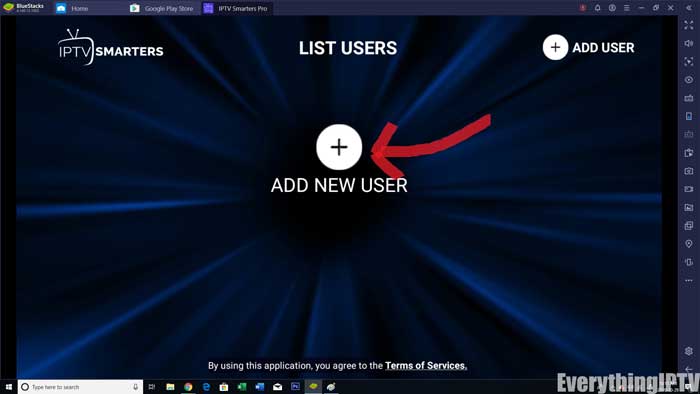
Step 1: Once the app is installed, open the IPTV Smarters Pro app and click on the “add new user”. It will be as shown in the picture below.
Step 2: Now, you need to login into the app. There are two ways to do so. Either by using M3U playlist or by using the username and password that is the Xtream codes API.
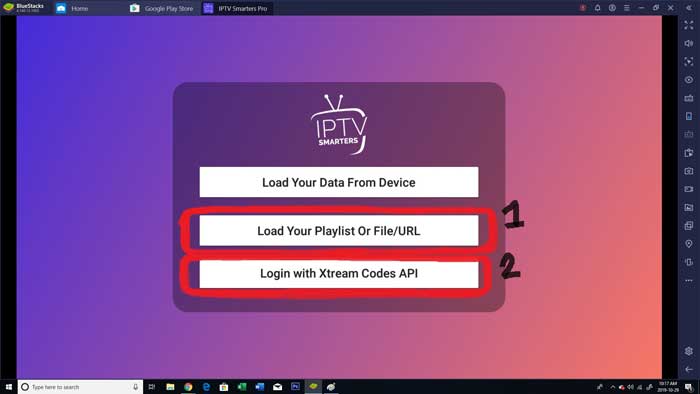
The username and password can be found by looking at the Email Credentials sent by us.

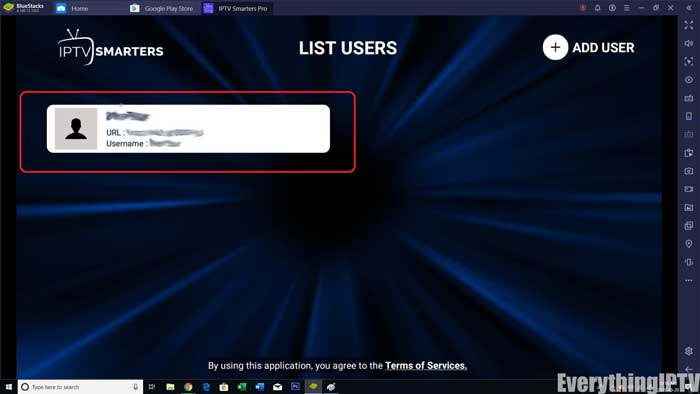
Step 3: Once you are done logging in, you will be redirected to the list users screen as shown below. Click on the profile you just created.
Step 4: Congratulations, you have now successfully set up and configured the IPTV Smarters Pro app